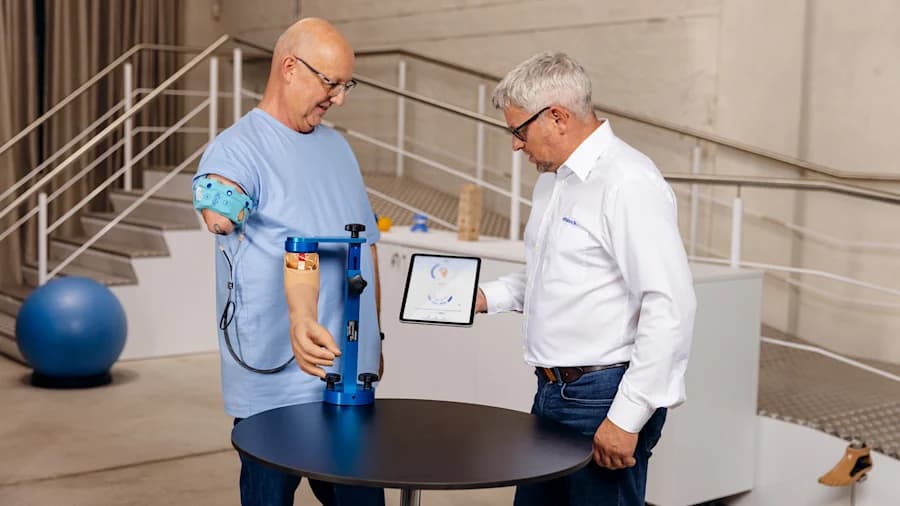
Персонализиран контрол на мускулните сигнали
Лесно персонализирайте мускулните сигнали на всеки потребител за плавен, индивидуален контрол на неговата протеза — подобрявайки преживяването и резултатите. Налично в тъмен режим.
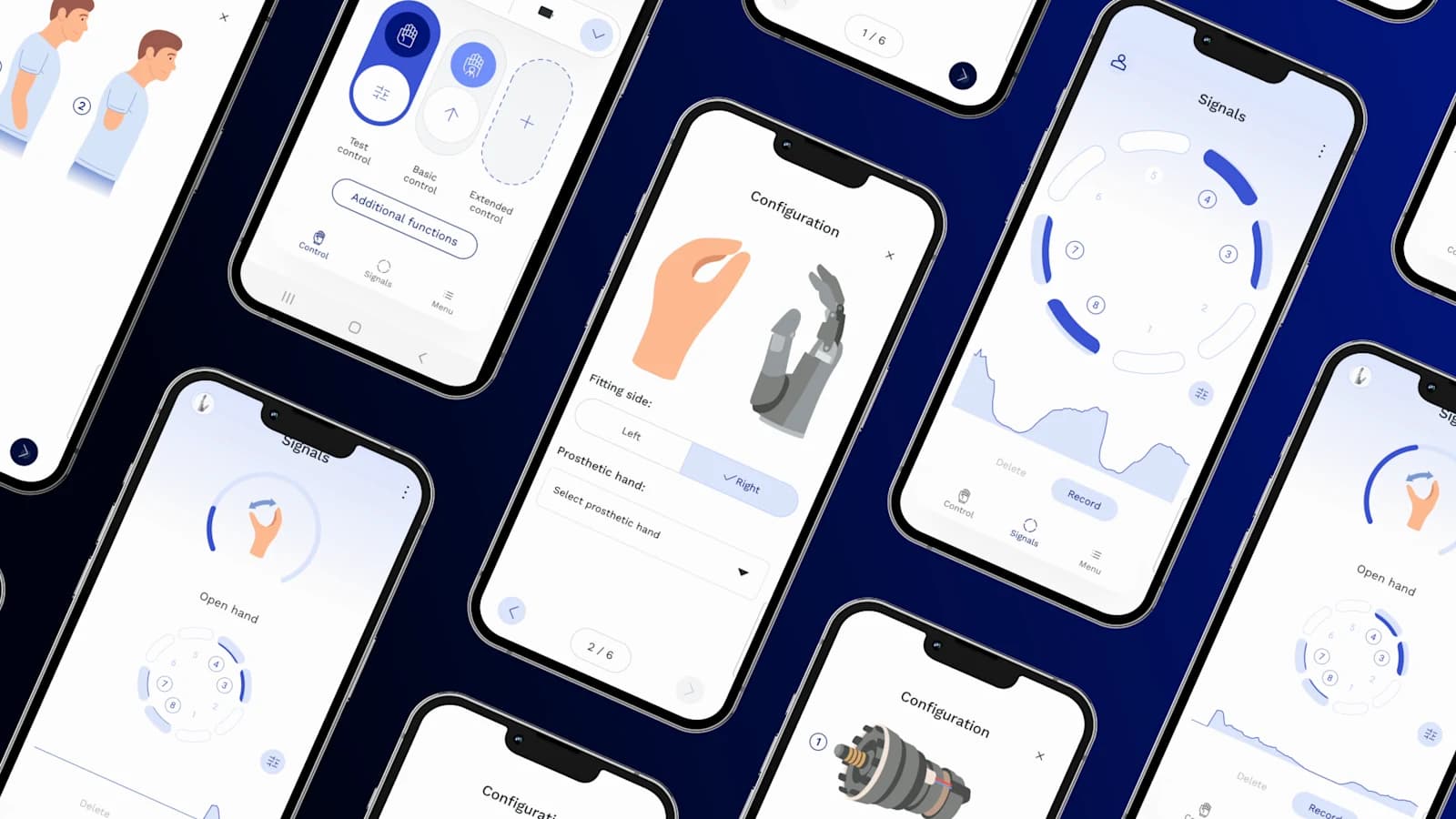
За потребители и протезисти
Новото приложение за настройка за потребители и протезисти за компонентите MyoBock от Ottobock.
Свържете се с насПриложението connectgrip предоставя удобен за използване интерфейс на потребителите и специалистите за управление и персонализиране на миоелектрични протези за ръка и длан.
То позволява лесни настройки, визуализация на сигналите в реално време и индивидуален запис на движения, превключване между стави и нежелани движения.
Потребителите постигат подобрен контрол, а специалистите се възползват от оптимизирани функции за настройка на протезата — подобрявайки както функционалността, така и комфорта.
Лесно персонализирайте мускулните сигнали на всеки потребител за плавен, индивидуален контрол на неговата протеза — подобрявайки преживяването и резултатите. Налично в тъмен режим.
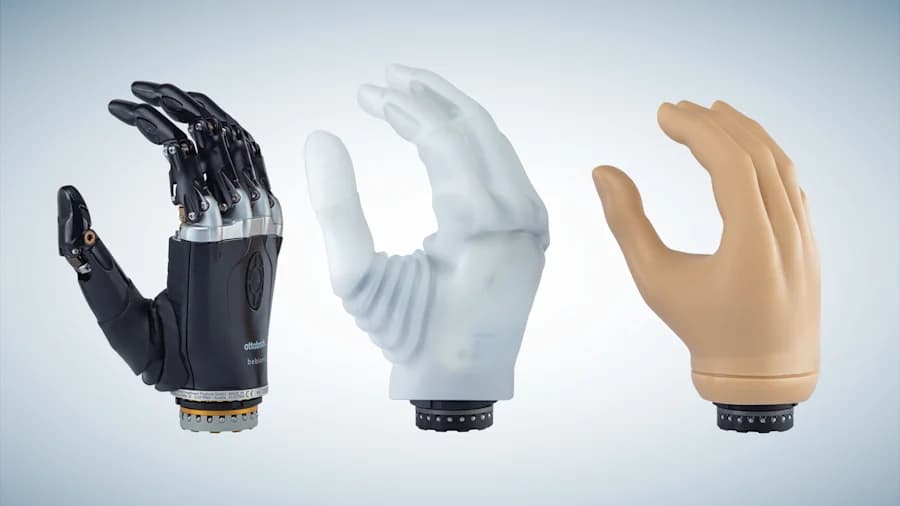
Приложението превръща мускулните сигнали в динамично визуално представяне на миоактивността, помагайки ви да идентифицирате активните зони и прецизно да насочвате обучението на потребителя.
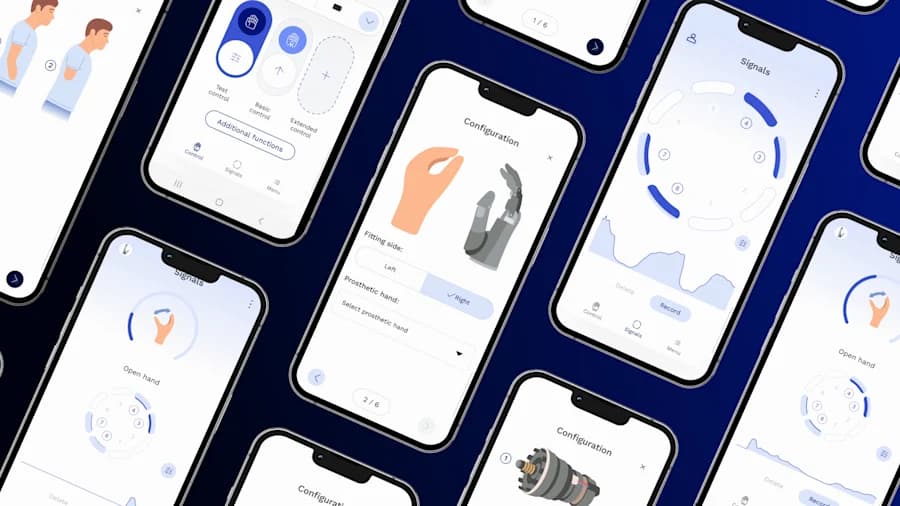
Отделни или всички компоненти на протезата могат временно да се деактивират и активират отново с кратък мускулен сигнал или чрез приложението — осигурявайки максимална безопасност и гъвкаво използване.
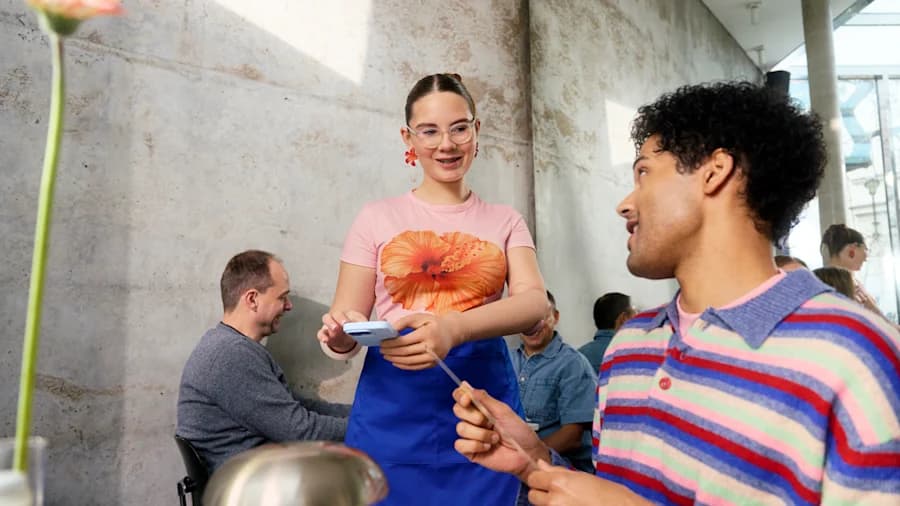
myosmart plus и connectgrip могат да записват случайни мускулни сигнали, помагайки да се избегне неправилно управление на протезата.
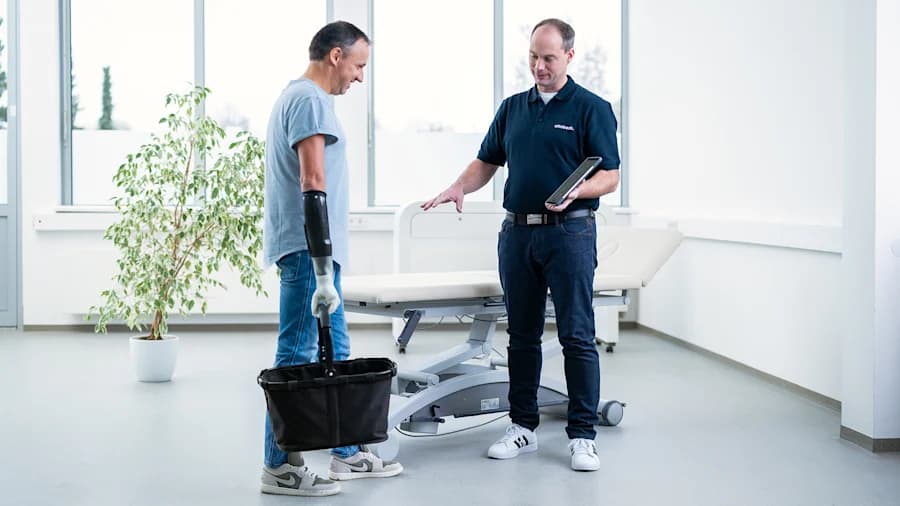
Всички сигнали се визуализират в реално време. Пробните команди и домашното обучение улесняват бързото адаптиране на управлението на протезата и подпомагат самостоятелното оптимизиране.
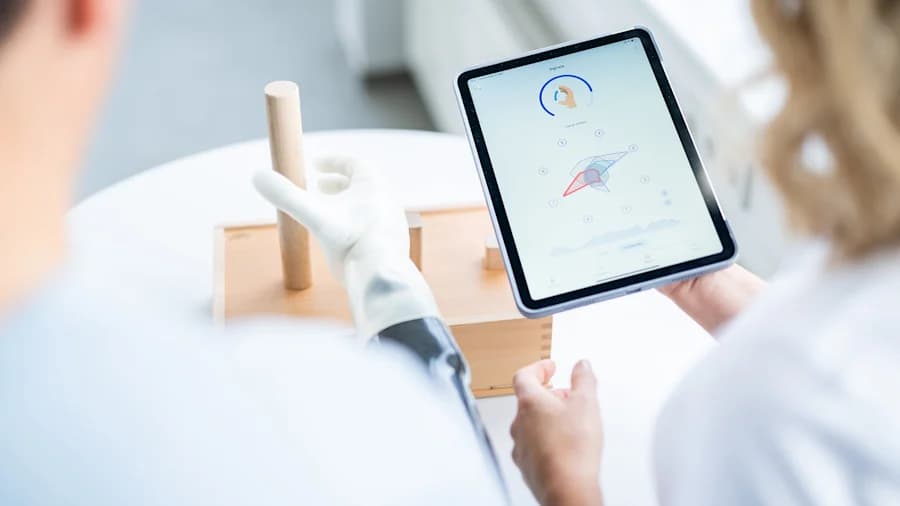
Препоръчва се обучение с терапевт, за да се гарантират максимална производителност и безопасно използване, а приложението подпомага непрекъснатия напредък между сесиите.
Изтеглете приложението connectgrip от Google Play или от App Store.
Отворете приложението и влезте с вашия акаунт MyOttobock. При необходимост приложението ще насочи протезистите да регистрират акаунт MyOttobock Pro.
След като приключите със сертификационния курс с екипа на Academy, поискайте достъп за компонента. Удостоверенията се проверяват автоматично — пин кодове за отключване вече не са необходими.
Свържете се с нашия екип, за да организирате демонстрация със сертифициран протезист, който може да ви покаже speedhand и приложението connectgrip на живо.
То визуализира мускулните ви сигнали в реално време, позволява ви да настройвате реакцията на протезата и подпомага както обучението в клиника, така и в домашни условия.
connectgrip поддържа компоненти MyoBock като speedhand и myosmart plus. Съвместимостта се разширява чрез бъдещи актуализации на приложението — свържете се с нашия екип за актуалния списък.
Свържете се с нашия екип, за да научите как connectgrip може да се впише в протезния път на вашия пациент.
Свържете се с нас