Ease of business
More efficient fitting and adjustment process for more control and flexibility.
For Prosthetists
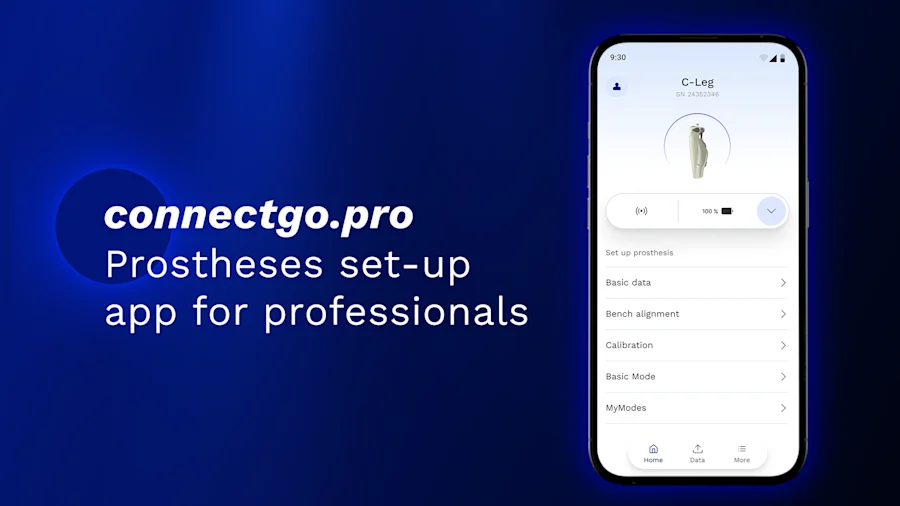
The new set-up app to programme Ottobock microprocessor knees.
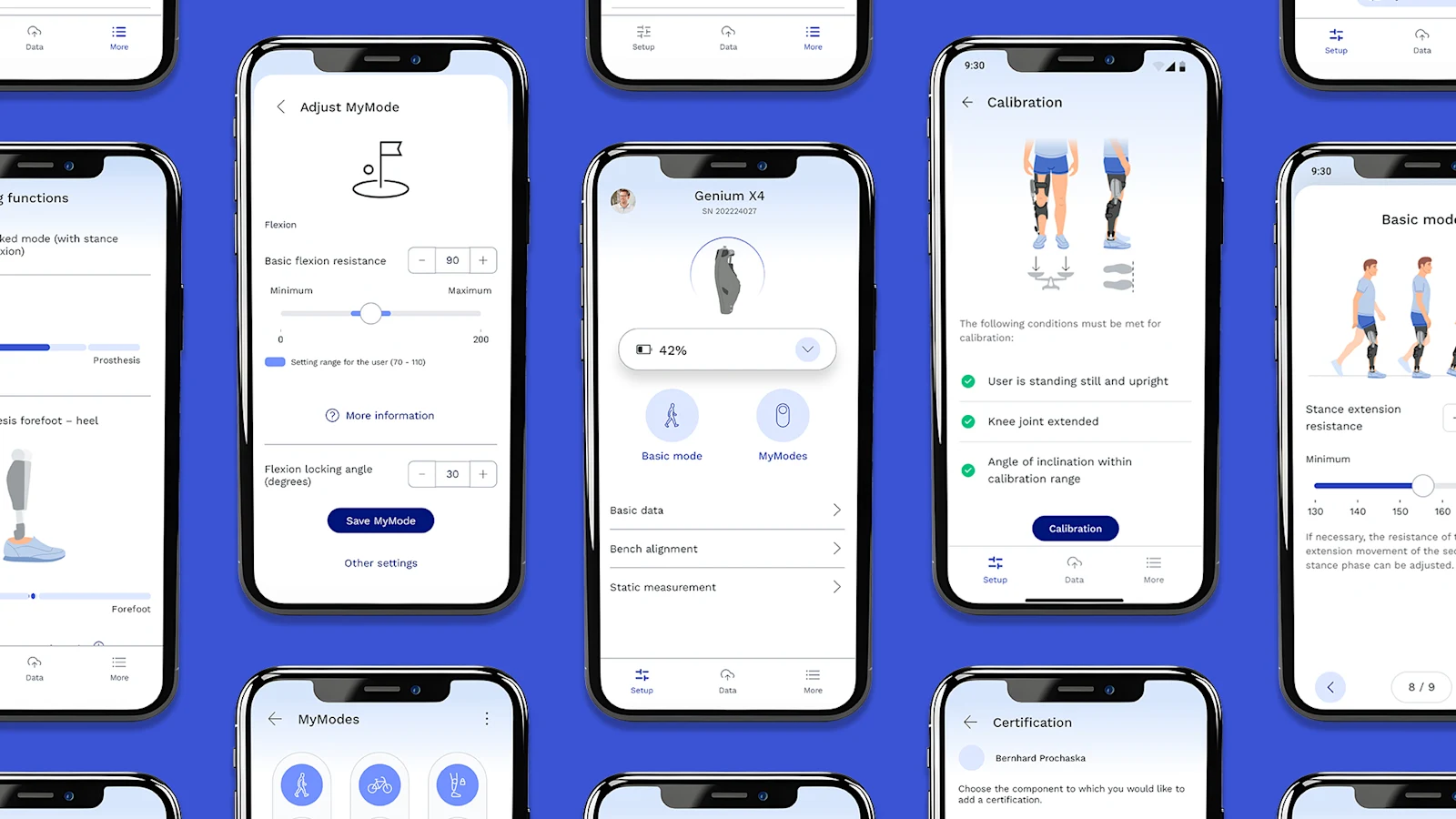
Contact usThe new set-up app connectgo.pro for Android and iOS smartphones and tablets makes it easy for prosthetists to quickly and conveniently programme Ottobock microprocessor knees for their users. The app replaces DataStation PC-based software for setting up the Genium X4, Genium X3, Genium, C-Leg 4 and Kenevo.
Through future app updates, additional Ottobock products will be available for set-up via connectgo.pro. The app was developed in cooperation with experienced prosthetists and experts.
Compared to DataStation PC, prosthetists can use the app while accompanying their user during their first steps. A wireless connection to the prosthesis is established directly using the Bluetooth module of the smartphones and tablets, meaning a USB-Bluetooth dongle is no longer required.
More efficient fitting and adjustment process for more control and flexibility.
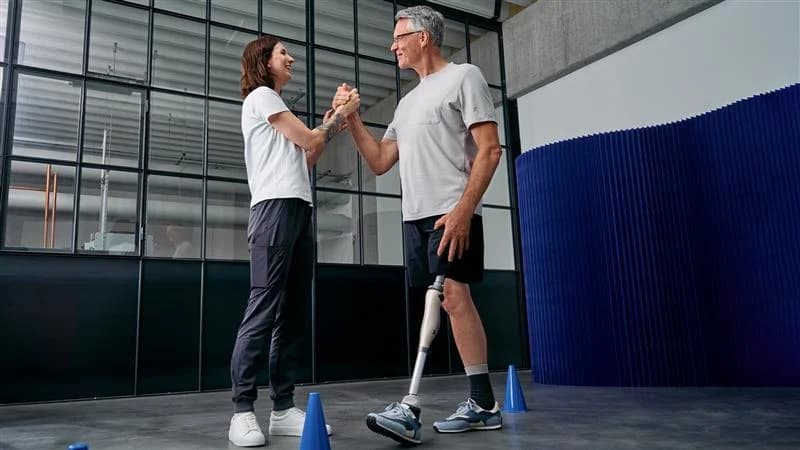
Prosthetists can use the app while accompanying their patient during their first steps.
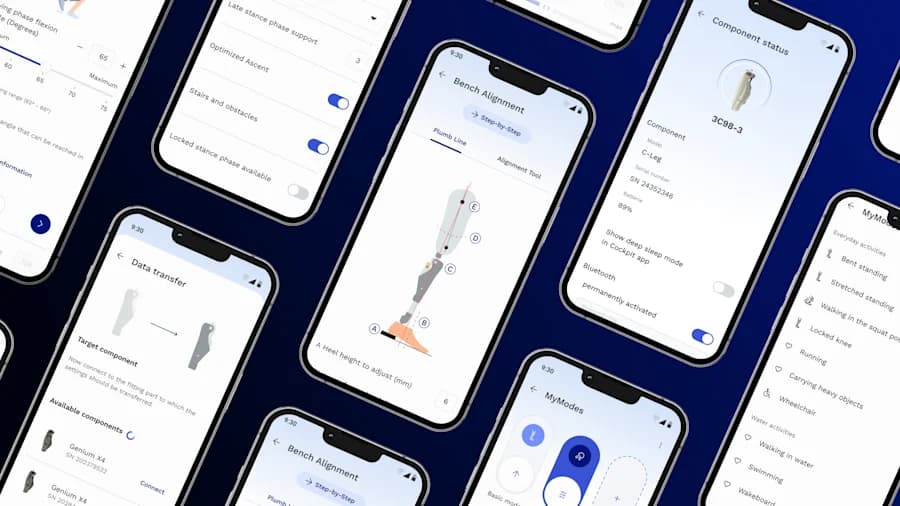
Improved adjustment process to support less experienced users as well as enable regular users to make quick adjustments.
Download the connectgo.pro app from Google Play or from the App Store on your smartphone or tablet.
Open connectgo.pro and log in with your MyOttobock account. The app will automatically direct you to register a MyOttobock Pro account — the prosthetists' version of MyOttobock.
Once you've completed your certification course with the Academy team, request access for the component. Your credentials are checked automatically — unlock pins are no longer required.
connectgo.pro supports recent versions of Android and iOS. For the most up-to-date system requirements, please contact our team.
Yes — the app is available on both smartphones and tablets running Android or iOS.
Today the app supports Genium X4, Genium X3, Genium, C-Leg 4 and Kenevo. Additional Ottobock products will be added through future app updates.
Contact our team for setup support, certification information and to learn how connectgo.pro fits into your clinical workflow.
Contact Us